Get your money back
ClaimMe turns your receipts into expense claims, sorted by month and ready to send. Scan the pile, say what it was for, and send the month to finance in one go.
Take a look inside
Real screens from the app, with demo data.
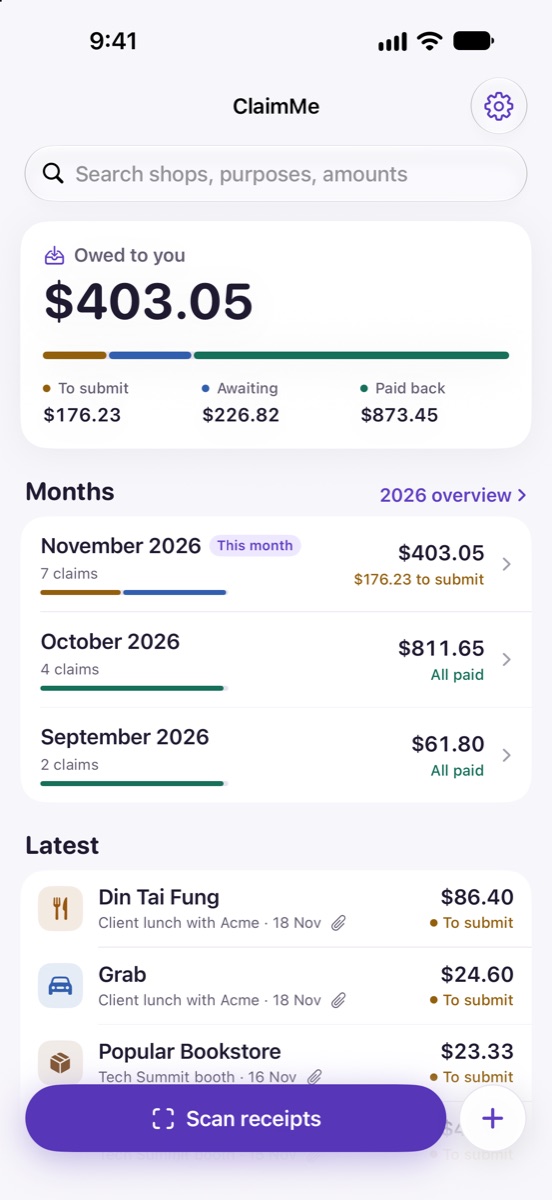 Home
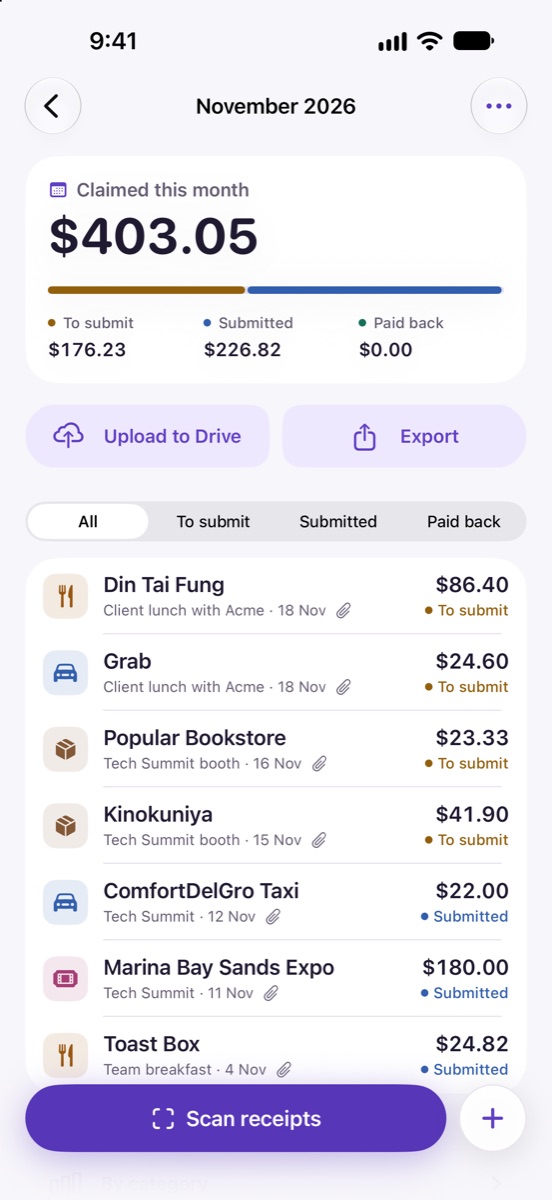 A month
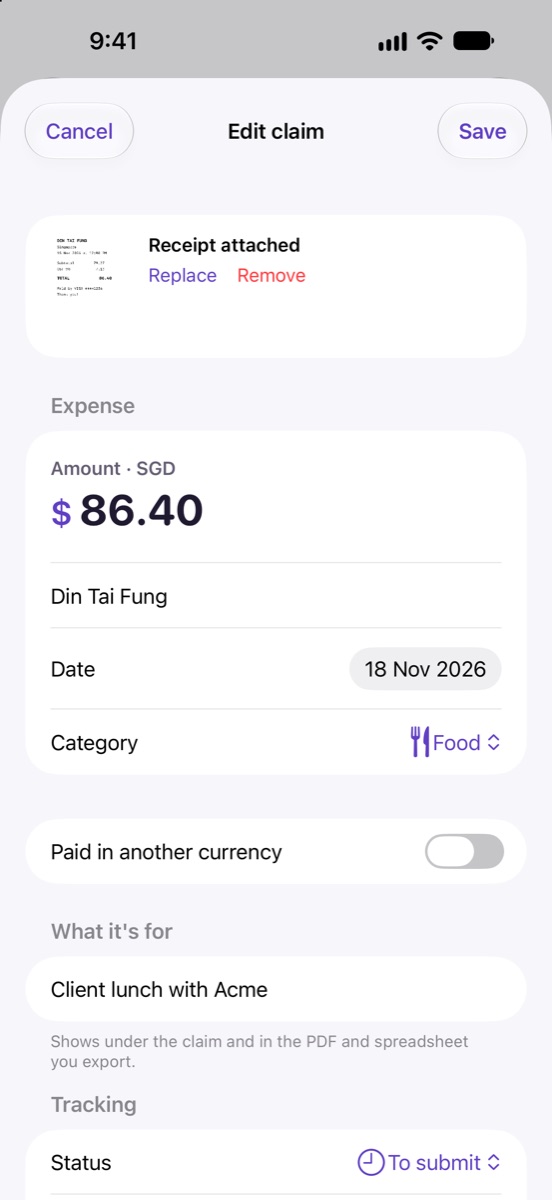 A claim
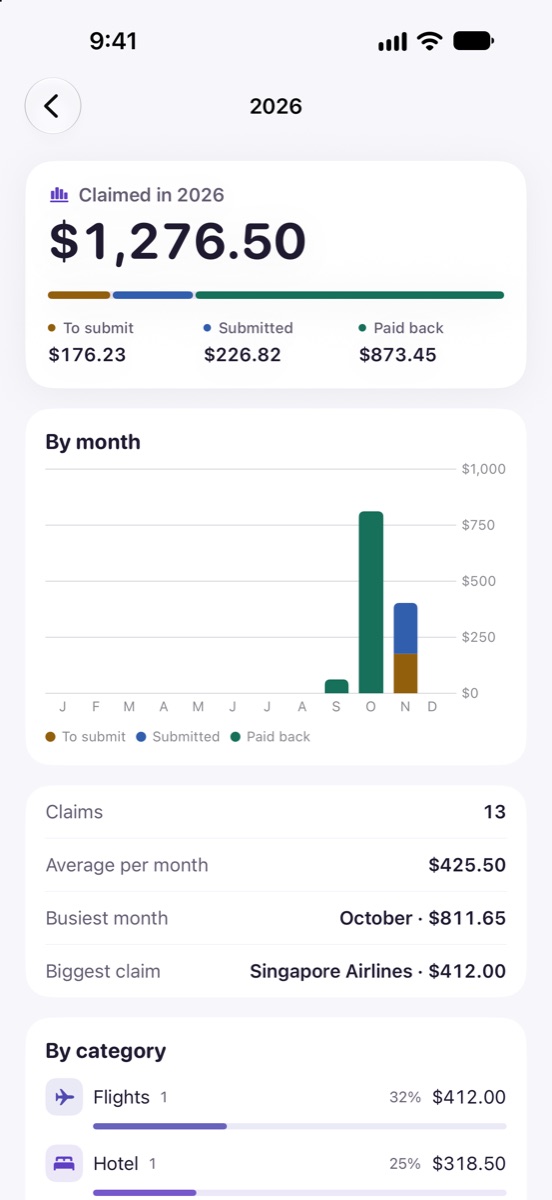 Your year
 Export
What it does
Everything between “keep the receipt” and “you’ve been paid back”.
Scan a whole pile
Snap paper receipts, pick photos, or open e-receipt PDFs and PayNow screenshots from Mail, Files or chat apps. Receipts you've already added are skipped.
Filled in for you
Apple Intelligence reads each receipt on your iPhone: shop, total, date and category. Anything unclear is flagged for you to check.
Say what it's for
Give a whole batch one purpose, like “Tech Summit” or “Client lunch”, in a single tap. Claims are filed by month.
Paid abroad?
Enter the rate from your card statement and ClaimMe works out the claim in your currency.
Send the month
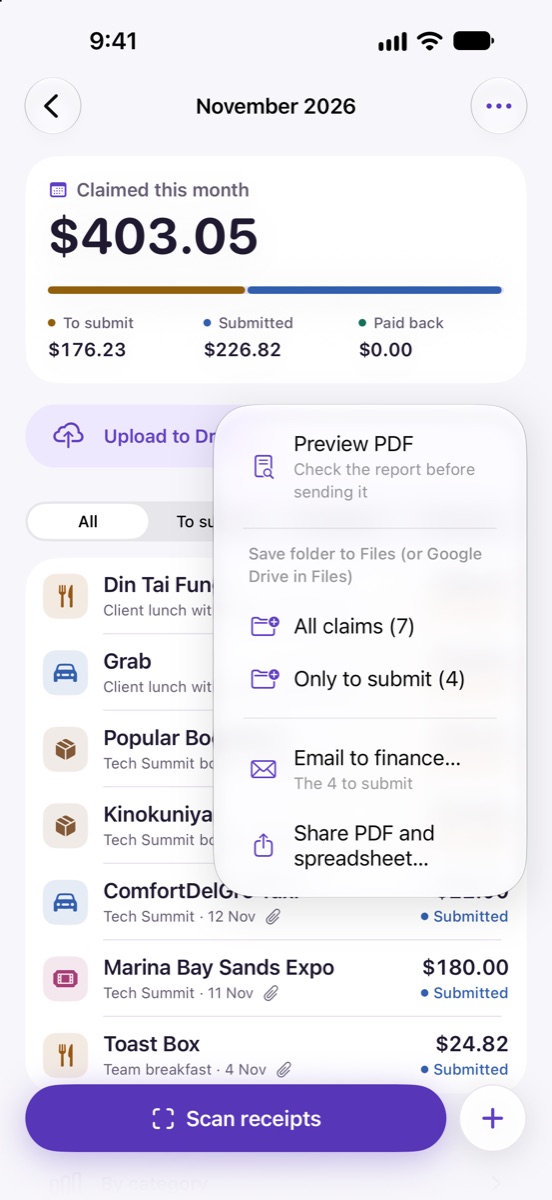
Upload to Google Drive, email it to finance, or save it to Files. Preview the PDF before it goes anywhere.
Know what you're owed
See what's still to submit, what's awaiting payment and what's been paid back, month by month and for the year.
What finance gets each month
One tidy folder in Google Drive, or the same files by email, Files or share.
Claim report
A summary table of every claim, then one page per receipt.
Spreadsheet
Opens in Google Sheets, Numbers or Excel, ready for your claim form.
Receipt photos
Every receipt, numbered to match the report.
Private by design
There's no account and no ClaimMe server. Your claims and receipts are read and kept on your iPhone, and you can lock the app with Face ID. Google Drive upload is optional, and ClaimMe can only see the files it creates there. Read the privacy policy.